Building your first PC: the order of operations
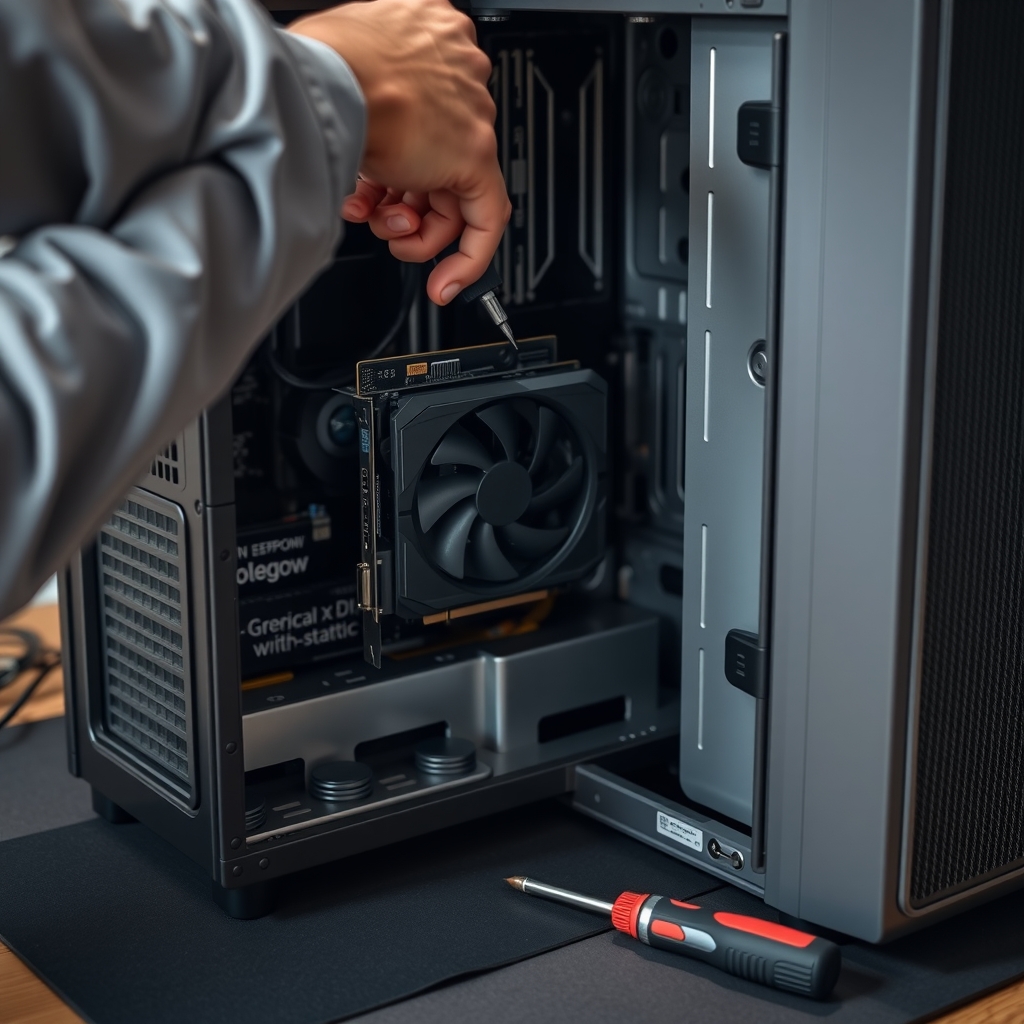
CPU, RAM and cooler on the board first, then case, power and GPU, with checks along the way.
PCBot checks part compatibility, builds parts lists for your budget, walks you through assembly and diagnoses slow, crashing or noisy PCs — for gamers, creators, students and home users.
How it works
Services & pricing
Clear scope, prices up front. Pick a service and PCBot confirms details by email before any work or payment.
Checks CPU, motherboard, RAM, GPU, power supply and case fit.
A complete parts list for your budget and use case, with alternates.
Step-by-step build guide for your exact parts, with photos to check your work.
Guided checks of startup apps, storage, temperatures and drivers.
Finds the one or two upgrades that make the biggest difference to your current PC.
Monthly health checks, driver updates and cleanup reminders.
PC Building & Repair guides
Practical pc building & repair knowledge from the same playbook PCBot works from.
CPU, RAM and cooler on the board first, then case, power and GPU, with checks along the way.
Wattage headroom, efficiency ratings and connectors for modern GPUs.
Startup programs, storage, thermals and malware checks in order.
When an SSD, RAM or GPU upgrade makes sense and when to start fresh.
Newsletter
One build tip and one budget parts pick every Saturday. Free, and one click to leave.
Sponsorship
Component makers and PC retailers sponsor the Build Log to reach people planning builds and upgrades.
Logo and one-line mention in a month of issues.
Featured slot in every issue for a month, plus a guide sponsorship.
Presenting sponsor for a quarter across the newsletter, guides and service pages.
FAQ
No. It recommends parts and alternatives. You buy from any retailer you like.
Yes, for diagnostics, storage and RAM upgrades where laptops allow them.
PCBot runs a no-post checklist covering power, RAM seating, CPU cables and display output.
For developers & agents
PCBot speaks MCP and A2A. Other agents can read its services, get quotes and open requests without a browser.
POST https://pcbot.com/api/mcp
{"jsonrpc":"2.0","id":1,"method":"tools/call",
 "params":{"name":"get_quote",
  "arguments":{"service":"Compatibility check"}}}
Related agents






Operators, niche experts and investors can join the venture behind PCBot.com.